

English
Notifications
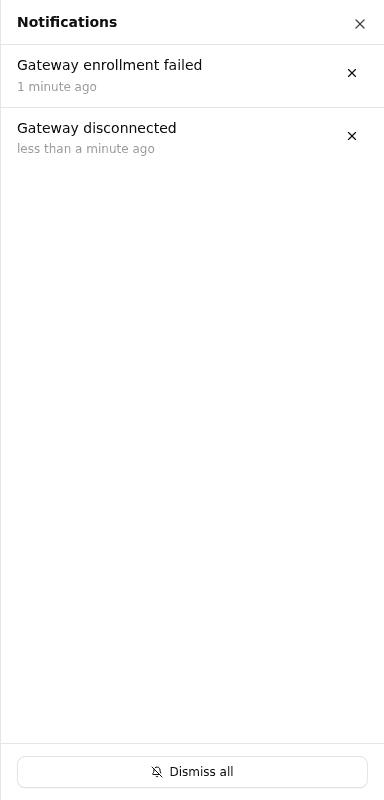
The notification center displays system alerts and important updates for your organization. It is accessible from the header bell icon on every page.
Opening the Notification Center
Click the bell icon in the top-right header to open the notification drawer. If there are unread notifications, a red badge with the count is shown on the icon.
Managing Notifications
Each notification shows:
- Title — a short description of the event
- Details — additional context (if available)
- Time — how long ago the notification was received
To dismiss a single notification, click the × button on the right side of the notification.
To dismiss all notifications at once, click Dismiss all at the bottom of the drawer.
Related
- Incidents — View and manage active incidents
- On-Call Schedules — Configure who receives on-call notifications
- Mobile notifications — What the icons on push notifications mean